

Best SaaS Helpdesk Software: Your Comprehensive Guide to Streamlined Support
Navigating the Top Ticketing Systems, Features, and Pricing for Superior Customer Service
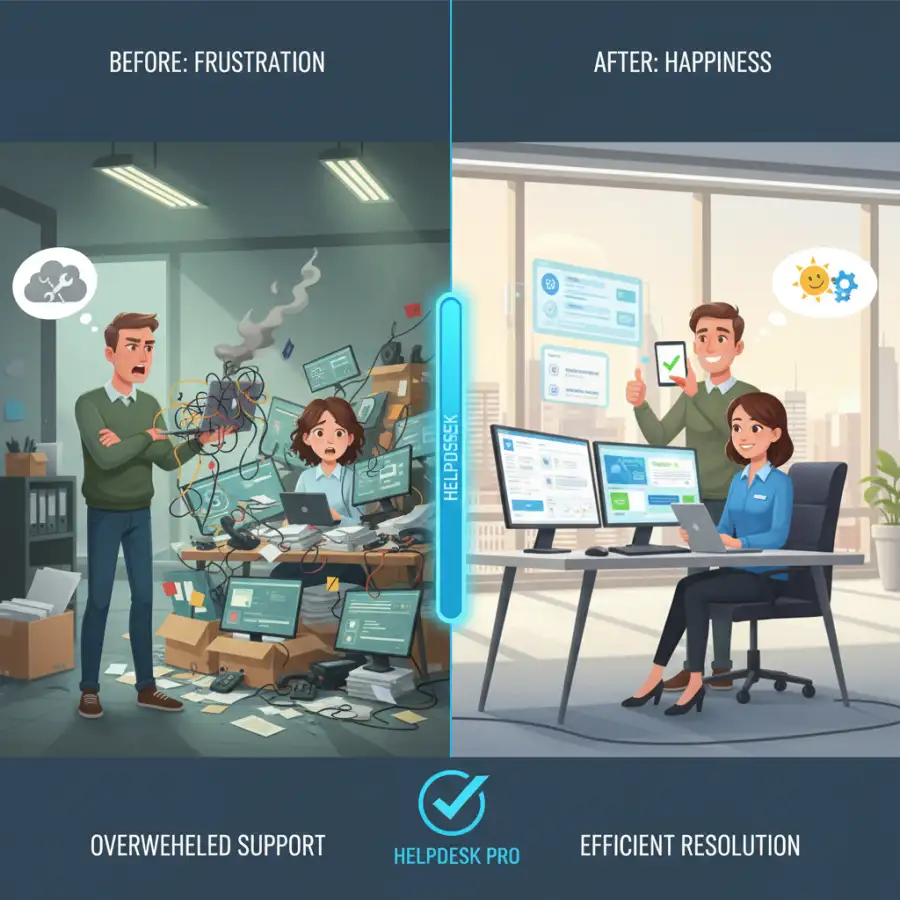
Are customer inquiries overwhelming your support team and frustrating your clients? In today's competitive landscape, efficient customer service is vital for business success. With a dizzying array of SaaS helpdesk software available, choosing the right ticketing system can be challenging. Making the wrong decision can lead to compliance problems, dissatisfied employees, and unexpected expenses. This guide will help you navigate the options, from intricate ticketing workflows to AI-powered automation, revealing how the best helpdesk software can significantly transform operations for businesses of all sizes. Discover the features, pricing, and pros and cons of top platforms to elevate your customer experience.
The quality of customer support can make or break a business's reputation and long-term success. As customer expectations continue to soar, manual approaches to managing inquiries quickly become unsustainable, leading to chaos, missed communications, and dissatisfied clients. This is where a robust helpdesk software, particularly a Software as a Service (SaaS) solution, steps in as an indispensable tool for streamlining operations and elevating the customer experience.
This comprehensive guide offers an in-depth look at leading SaaS helpdesk software solutions, examining their core features, pricing models, and unique strengths and weaknesses. Whether you're a small startup seeking an affordable SaaS ticketing system or an enterprise-level organization demanding sophisticated automation and integrations, we aim to equip you with the knowledge to make an informed decision. By the end, you'll be well-prepared to choose the ideal helpdesk solution that enhances efficiency, reduces agent workload, and ultimately fosters stronger customer relationships.
Quick navigation
- The Essential Role of Helpdesk Software in Modern Customer Service
- Key Features to Look for in SaaS Ticketing Systems
- Top Contenders: A Detailed Look at Leading SaaS Helpdesk Software
- Beyond SaaS: Considering Open Source and Free Helpdesk Options
- What this means for you
- Risks, trade-offs, and blind spots
- Main points
The Essential Role of Helpdesk Software in Modern Customer Service
In today's hyper-connected world, customer service is no longer a reactive function; it's a proactive cornerstone of business strategy. Helpdesk software has evolved from simple ticket trackers to sophisticated platforms that empower businesses to deliver exceptional support experiences. But what exactly makes this technology so indispensable?
At its core, helpdesk software centralizes all customer inquiries. Whether a customer reaches out via email, phone, chat, or social media, the system funnels these interactions into a unified platform. This eliminates the chaos of scattered communication channels, ensuring no request falls through the cracks and agents have a complete view of a customer's history. This centralization dramatically improves response times and first-contact resolution rates. Are your agents currently juggling multiple inboxes and spreadsheets to manage customer issues?
Beyond organization, these systems boost efficiency and agent productivity. Features like automated ticket routing ensure inquiries land in the right agent's queue, reducing internal back-and-forth. Pre-written response templates and knowledge base integration empower agents to provide consistent, accurate answers quickly. This not only speeds up resolution but also reduces agent burnout by streamlining repetitive tasks. By freeing up agents from administrative overhead, they can focus on more complex, high-value customer interactions.
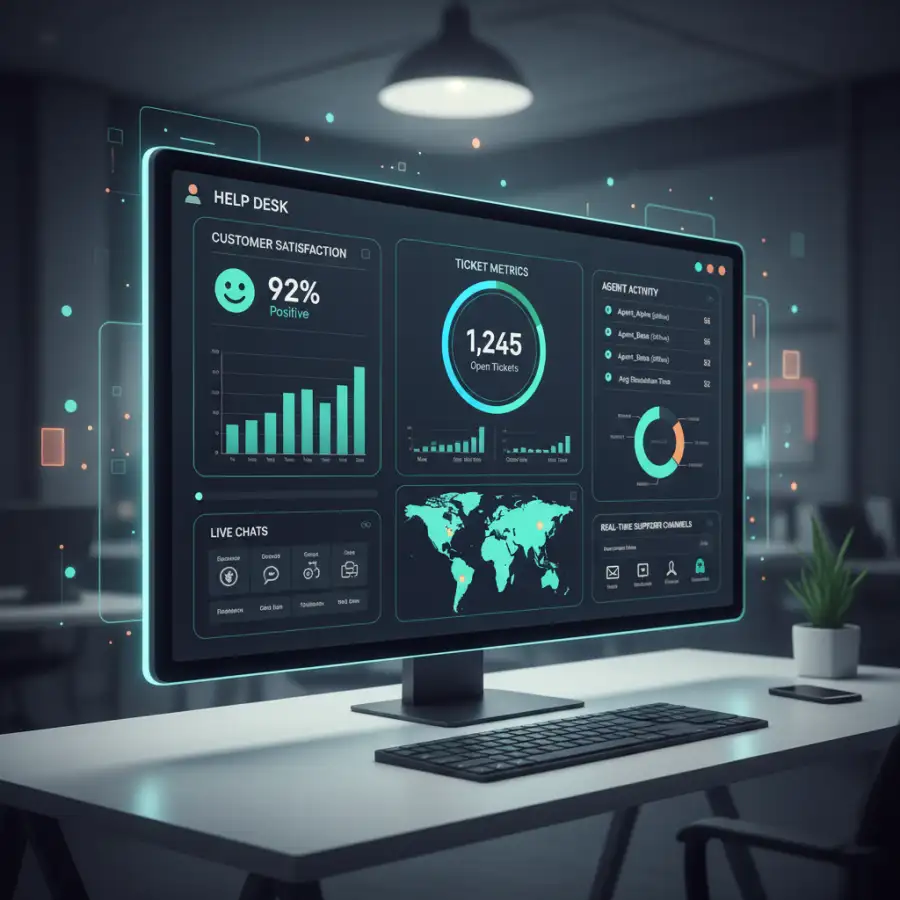
Furthermore, helpdesk software provides invaluable data and insights. Robust reporting and analytics tools track key performance indicators (KPIs) such as response times, resolution rates, agent performance, and customer satisfaction scores. This data allows managers to identify bottlenecks, optimize workflows, and make data-driven decisions to continually improve service quality. It's not just about solving problems; it's about understanding trends and preventing future issues. Ultimately, investing in a robust helpdesk system means investing in customer loyalty and sustained business growth, transforming potential frustrations into opportunities for stronger relationships.
Key Features to Look for in SaaS Ticketing Systems
When evaluating the best SaaS helpdesk software, a long list of features might seem overwhelming. However, focusing on a few critical functionalities will ensure you choose a SaaS ticketing system that truly meets your operational demands and customer expectations. What are the non-negotiable capabilities that differentiate an average system from a truly outstanding one?
First and foremost is Ticketing Management. This is the heart of any helpdesk. Look for features that allow easy creation, assignment, and tracking of tickets. The system should support prioritization (e.g., urgent vs. low priority), efficient routing to the correct department or agent, and the ability to merge related tickets. A clear, intuitive dashboard where agents can manage their queue is essential for productivity.
Multi-channel Support is no longer a luxury, but a necessity. Your customers expect to reach you on their preferred channel. The best helpdesk software seamlessly integrates inquiries from email, live chat, phone calls, social media (like Facebook, Twitter), and even in-app messaging. All these interactions should be consolidated into a single customer view, providing context to agents and ensuring a consistent brand experience across all touchpoints.
Automation & AI Capabilities are significant for efficiency. This includes features like automated ticket routing based on keywords or rules, auto-responses for common queries, and chatbots that can handle basic questions or guide customers to relevant knowledge base articles. Some advanced systems leverage AI to suggest answers to agents, significantly reducing resolution times. Automation frees up agents for more complex tasks and ensures rapid initial responses.
Reporting & Analytics provide the intelligence layer for continuous improvement. The software should offer comprehensive reports on agent performance (response times, resolution rates), customer satisfaction (CSAT, NPS scores), and ticket volume trends. These insights are vital for identifying areas for improvement, optimizing staffing levels, and understanding overall customer sentiment. Without robust data, you're essentially operating in the dark.
Finally, consider Integrations and a Knowledge Base/Self-Service Portal. Seamless integration with your existing CRM, project management tools, or communication platforms (like Slack) prevents data silos and enhances workflow efficiency. A well-structured knowledge base or FAQ section empowers customers to find answers independently, reducing the burden on your support team while improving customer satisfaction. Isn't enabling self-service a clear path to better customer experiences and lower support costs?
Top Contenders: A Detailed Look at Leading SaaS Helpdesk Software
With a myriad of options available, selecting the best SaaS helpdesk software requires a deep dive into what each leading platform offers. Here's a look at some of the top contenders, outlining their features, pricing, and suitability for various business needs.
Zendesk
Zendesk is a powerhouse in customer service, offering a scalable suite of products that caters to businesses from startups to large enterprises. It's renowned for its flexibility and extensive features, often considered a leading standard in helpdesk solutions.
Key Features: Omnichannel support (email, chat, phone, social, messaging), advanced ticketing system, AI-powered automation, comprehensive knowledge base, reporting and analytics, robust integrations, and customizability.
Pricing: Tiered pricing, typically per agent per month, with plans like Suite Team, Suite Growth, and Suite Professional offering progressively more features. Enterprise options are available, though pricing can be a significant investment for larger teams.
- Extremely scalable and feature-rich, suitable for all business sizes.
- Powerful automation and AI capabilities.
- Excellent omnichannel support.
- Can be expensive, especially for advanced features.
- Its complexity can be daunting for smaller teams initially.
Target Use Case: Businesses seeking a highly customizable, scalable, and comprehensive customer service solution with extensive integration capabilities.
Freshdesk
Freshdesk, part of Freshworks, is a popular choice for its intuitive interface, robust features, and competitive pricing, making it a strong contender for small to medium-sized businesses.
Key Features: Ticketing system, multi-channel support (email, phone, chat, social), automation, self-service portal, AI-powered bots, collision detection, and comprehensive reporting. Offers a free tier with basic features.
Pricing: Offers a free plan for up to 10 agents, followed by tiered paid plans (Growth, Pro, Enterprise) per agent per month, making it accessible for startups.
- User-friendly interface and easy setup.
- Generous free plan for small teams.
- Strong automation and AI capabilities for the price point.
- Some advanced features might require higher-tier plans.
- Reporting can be less customizable compared to enterprise-level solutions.
Target Use Case: Small to medium-sized businesses looking for a balance of features, ease of use, and affordability, with room to scale.
HubSpot Service Hub
HubSpot Service Hub is ideal for businesses already entrenched in the HubSpot ecosystem. It offers robust helpdesk features tightly integrated with HubSpot's CRM, marketing, and sales platforms, providing a unified customer view.
Key Features: Ticketing, live chat, shared inbox, knowledge base, customer feedback surveys, automation, reporting, and full CRM integration. Focuses on proactive service and customer retention.
Pricing: Offers a free version with limited tools, then tiered paid plans (Starter, Professional, Enterprise) priced per user per month. Can be bundled with other HubSpot hubs.
- Seamless integration with HubSpot CRM for a 360-degree customer view.
- Excellent for businesses focused on growth and customer retention.
- Offers a range of free tools to get started.
- Can become expensive, especially for larger teams or when combined with other HubSpot hubs.
- Best suited for businesses already using or planning to use the HubSpot platform.
Target Use Case: Businesses leveraging HubSpot's CRM and looking for an integrated solution that supports their entire customer lifecycle, from marketing to service.
Intercom
Intercom shines in its proactive customer engagement approach, often favored by tech companies and SaaS businesses. It's built around live chat, in-app messaging, and customer journey automation.
Key Features: Live chat, in-app messaging, targeted email campaigns, automated bots, shared inbox, knowledge base, product tours, and customer data platform. Focuses on engaging customers throughout their lifecycle.
Pricing: Often based on features and number of seats/active users, with various plans (Essential, Pro, Premium). Pricing can be complex and scale quickly with usage.
- Excellent for proactive customer engagement and in-app support.
- Strong live chat and messaging capabilities.
- Powerful automation for customer journeys.
- Pricing can become very expensive as usage grows.
- Less focused on traditional email ticketing compared to other platforms.
Target Use Case: Tech and SaaS companies prioritizing proactive, conversational support and in-app customer engagement.
Zoho Desk
Zoho Desk is a powerful and affordable helpdesk solution that offers extensive features, presenting a strong value proposition for small to large businesses, especially those already using other Zoho products.
Key Features: Contextual AI (Zia), omnichannel support, advanced ticketing management, automation rules, self-service portal, robust reporting, and seamless integration with the broader Zoho ecosystem.
Pricing: Includes a free edition for up to 3 agents, followed by competitively priced tiered plans (Standard, Professional, Enterprise) per agent per month.
- Excellent value for money with a rich feature set.
- Strong contextual AI features for agent assistance.
- Seamless integration with other Zoho applications.
- Interface can feel cluttered due to the number of features.
- Customization options might be less intuitive for beginners.
Target Use Case: Businesses seeking a feature-rich, affordable, and scalable helpdesk solution, particularly those already invested in the Zoho ecosystem.
Beyond SaaS: Considering Open Source and Free Helpdesk Options
While SaaS helpdesk solutions dominate the market due to their convenience and scalability, it's worth considering open-source and entirely free options. These alternatives can be appealing for specific scenarios, but they come with their own set of trade-offs. Is the allure of a 'free' solution always the most cost-effective path in the long run?
Open-source helpdesk software, such as osTicket or Hesk, offers source code that can be modified and hosted on your own servers. The primary advantages are often cost savings on licensing fees and complete control over data. However, this comes with significant trade-offs: you are responsible for hosting, maintenance, security, updates, and providing your own technical support. This requires internal IT expertise and can incur substantial hidden costs in time and resources. Open-source solutions are typically best suited for organizations with strong technical teams, specific customization needs, or strict data sovereignty requirements.
Completely free helpdesk solutions often refer to the basic tiers offered by many SaaS providers (like Freshdesk's free plan or HubSpot's free tools). While these can be excellent starting points for very small teams with minimal needs, they usually come with limitations on the number of agents, features, storage, or automation capabilities. The trade-off is often a lack of scalability and fewer advanced tools necessary for growth. They are ideal for individual freelancers or micro-businesses just starting to formalize their customer support, offering a glimpse of what a full system can do before committing financially.
The core distinction remains: SaaS offers convenience, scalability, and managed updates for a subscription fee. Open source provides control and customization for a significant investment in internal resources. Free tiers offer basic functionality as an entry point. The best choice hinges on your business's size, budget, technical capabilities, and the complexity of your support needs. Carefully weigh the perceived savings against the potential for increased administrative burden and limited functionality before making a decision.
What this means for you
Navigating the complex landscape of SaaS helpdesk software offers a direct strategic advantage for your business. For you, the decision-maker, this guide provides the necessary framework to move beyond confusion and make a truly informed choice. This isn't just about picking a software; it's about making a foundational investment in your customer relationships, team efficiency, and overall business growth.
Your key takeaway should be the power of alignment. The best helpdesk software isn't necessarily the most feature-rich or the cheapest; it's the one that aligns perfectly with your business's size, budget, customer support philosophy, and future growth trajectory. By understanding the core features and nuances of each top contender, you are now equipped to ask the right questions during demos, identify potential pitfalls, and accurately assess each solution's value. Are you ready to confidently articulate your specific needs to vendors and demand solutions tailored to your unique challenges?
This comprehensive overview empowers you to achieve several critical outcomes. First, you can significantly enhance customer satisfaction by implementing a system that ensures rapid, consistent, and personalized support across all channels. Second, you will boost your support team's productivity and morale by automating repetitive tasks, providing intuitive tools, and offering clearer workflows. Third, you can gain invaluable insights into your support operations, allowing for data-driven decisions that lead to continuous improvement and cost optimization. The right SaaS ticketing system acts as a strategic partner, not just a utility.
Ultimately, an informed choice transforms your customer service from a cost center into a powerful differentiator. It means reducing operational friction, improving employee engagement, and building a loyal customer base that champions your brand. Apply these insights to your unique context, and begin a path toward superior customer support that drives lasting business success.
Risks, trade-offs, and blind spots
While the promise of streamlined support from SaaS helpdesk software is compelling, it's essential to approach the selection process with an awareness of potential risks, inherent trade-offs, and common blind spots. Failing to consider these aspects can lead to costly mistakes and unmet expectations. Are you fully prepared for the less apparent challenges that might arise?
One significant risk is over-reliance on automation, which can diminish the human touch. While AI-powered chatbots and auto-responses are efficient, a blind spot might be implementing them without carefully considering complex or sensitive customer issues. The trade-off for speed and cost reduction might be a diminished perception of personalized service. Striking the right balance between automation and human interaction is crucial; customers still value genuine connection. Is your automation strategy designed to augment, rather than replace, human empathy?
Underestimating implementation complexity presents another common pitfall. Migrating existing customer data, configuring intricate workflows, and training your support team on a new system requires significant time and effort. A common blind spot here is assuming a "plug-and-play" solution. The trade-off for a feature-rich system might be a more extended and resource-intensive setup phase. Failing to allocate sufficient internal resources or underutilizing vendor onboarding support can lead to delays, data inconsistencies, and agent frustration, hindering adoption.
Vendor lock-in presents a subtle but serious risk. Once heavily invested in a particular SaaS ecosystem, switching to a different provider can be challenging and costly due to data migration complexities, re-training, and potential feature gaps. A blind spot is failing to consider long-term flexibility and an exit strategy during the initial selection. The trade-off for deep integration and specific features might be reduced agility in changing providers in the future. Always evaluate the ease of data export and the compatibility of integrations.
Finally, hidden costs and scalability concerns are common blind spots. While SaaS offers transparent subscription models, additional costs can arise from exceeding usage limits (e.g., chat volume, knowledge base articles), requiring premium integrations, or needing advanced features only available in higher, more expensive tiers. The trade-off for initial affordability might be rapidly escalating costs as your business grows. Always project your future needs and inquire about the pricing implications of scaling. A comprehensive understanding of the total cost of ownership, beyond the base subscription, is crucial for a financially sound decision.
Main points
Selecting the ideal SaaS helpdesk software is a strategic decision that underpins your customer service excellence. Consider these core principles to navigate your options effectively:
- Define Your Core Needs: Prioritize features like robust ticketing, multi-channel support, automation, and powerful analytics based on your unique business and customer base.
- Evaluate Scalability: Choose a system that can grow with your business, accommodating increasing agent numbers and complex support demands without friction.
- Prioritize User-Friendliness: An intuitive interface for agents and a seamless self-service portal for customers are crucial for adoption and satisfaction.
- Scrutinize Pricing Models: Look beyond the base fee; consider per-agent costs, feature tiers, and potential hidden charges as your usage grows.
- Assess Integration Capabilities: Ensure seamless connections with your existing CRM, communication, and project management tools for a unified workflow.
- Factor in Implementation & Support: Understand the setup process, available training, and the responsiveness of customer support to ensure a smooth transition.
- Consider Data Security: Verify the provider's security protocols and compliance with relevant data privacy regulations to protect sensitive information.
- Balance Automation with the Human Touch: Leverage AI and automation for efficiency, but ensure your strategy preserves opportunities for personalized, empathetic customer interactions.
By thoughtfully considering these points, you can choose the best SaaS helpdesk software, transforming your customer service from a challenge into a powerful competitive advantage that drives lasting customer loyalty and business success.